

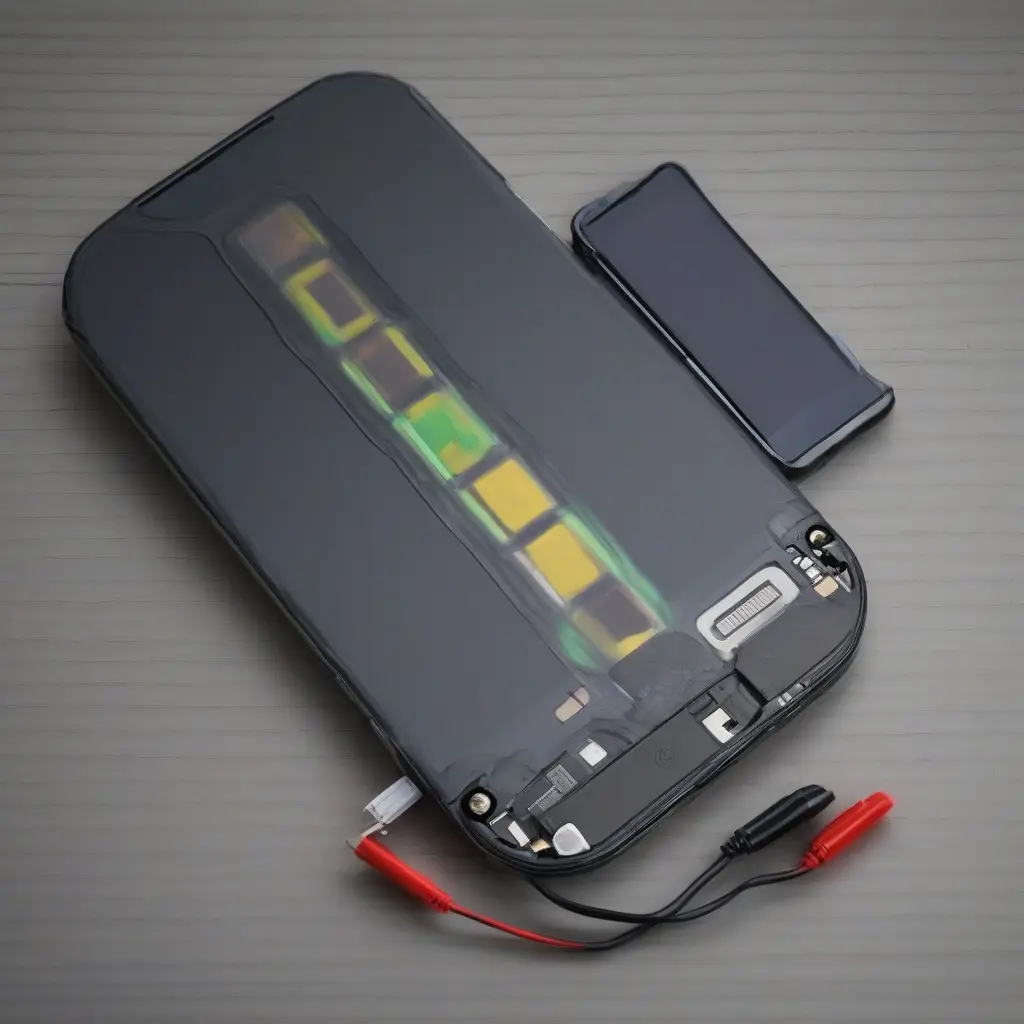
Mobile device battery swelling is a common yet serious issue that can occur due to several factors. When a battery swells, it may cause physical damage to the device and pose safety risks if not addressed promptly. Understanding the underlying causes, identifying the symptoms, and knowing how to troubleshoot these issues can save users time and money while ensuring device safety. This comprehensive guide will provide essential information on why battery swelling occurs, preventive measures, and steps to take if you encounter this problem.
Understanding Battery Swelling: What It Is and Why It Happens
Battery swelling occurs when the internal pressures of a lithium-ion battery increase, typically due to gas buildup caused by chemical reactions. This can happen due to overcharging, exposure to high temperatures, or physical damage to the battery. Swelling can also be influenced by age, as older batteries are more susceptible to deterioration. Recognizing the science behind battery swelling is crucial for users to understand the importance of proper care and usage of their mobile devices.
Common Symptoms of a Swollen Battery
Identifying the symptoms of a swollen battery is critical for addressing the issue before it leads to more severe problems. Common signs include an irregularly shaped device casing, difficulty in opening or closing the device, and physical pressure on the screen or buttons. Additionally, users may notice reduced performance or shorter battery life. If you experience any of these symptoms, it’s essential to investigate further, as they can indicate a potentially hazardous situation.
Safe Handling of Swollen Batteries
When dealing with a swollen battery, safety is the utmost priority. Users should avoid puncturing or exerting pressure on the battery, as this can lead to leakage or even fires. If a device feels warm or emits an unusual odor, it’s advisable to turn it off immediately. It’s best to keep the device in a cool, dry place and away from flammable materials until professional help is sought. Proper handling can minimize risks and prevent injuries related to battery malfunctions.
Troubleshooting Steps for Swollen Batteries
If you suspect your mobile device has a swollen battery, the first step is to power off the device to reduce the risk of short circuits. Next, inspect the exterior for any visible damage to the casing or screen. If any swelling is visible, refrain from trying to remove the battery yourself unless you are experienced. Instead, consider visiting an authorized repair center, as they have the tools to safely handle and replace the battery without risking injury.
Preventive Measures to Avoid Battery Swelling
Taking preventive measures can significantly reduce the likelihood of battery swelling. Avoid overcharging your device by unplugging it once fully charged and using quality charging equipment. Additionally, keep your device out of extreme temperatures, whether cold or hot, as these conditions can negatively affect battery health. It’s also beneficial to regularly monitor battery performance and replace it if it shows signs of age or wear, thus prolonging the overall lifespan of your device.
When to Seek Professional Help
Seeking professional assistance is crucial if you encounter persistent issues with battery swelling or damage. If your battery swells severely, it can compromise the integrity of your device. Repair specialists can evaluate the situation, replacing the battery safely and efficiently. It’s always better to err on the side of caution and consult a professional when in doubt, especially when safety is at stake.
Recycling Swollen Batteries Responsibly
When you need to dispose of a swollen battery, it’s vital to do so responsibly. Never throw batteries in the trash, as they can leak harmful substances into the environment. Instead, locate a battery recycling program in your area that adheres to local regulations. Many electronics retailers and municipal waste disposal facilities offer recycling services, which ensure that batteries are handled safely and recycled sustainably, thus protecting both human health and the environment.
Educating Yourself on Battery Care
Education is key to maintaining the health of your mobile device’s battery. Keeping yourself informed about the specifications and recommended usage patterns can lead to better battery performance. Regularly updating your device’s software can also enhance battery management functionalities. Engaging with online resources and forums regarding mobile device maintenance can offer valuable insights, ensuring you remain proactive in managing your device’s battery health.
Conclusion
In summary, troubleshooting unusual swelling in mobile device batteries requires knowledge, caution, and proactive measures. By recognizing symptoms, following safe handling procedures, and employing preventive strategies, users can protect their devices and themselves. If issues arise, seeking professional help is always a wise decision, ensuring both safety and the longevity of your mobile device.







