

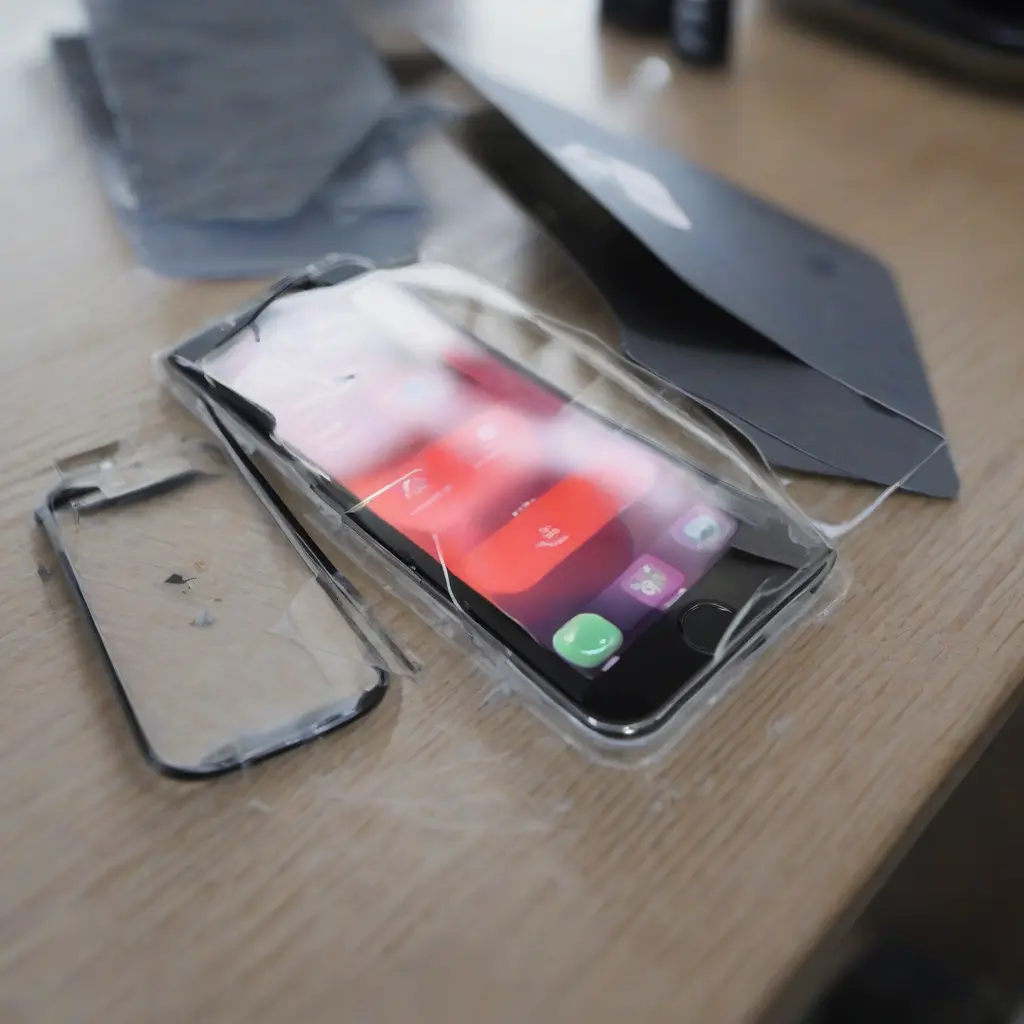
Mobile screen protectors are essential accessories for safeguarding your device’s display from scratches, cracks, and other damages. Despite their importance, many users encounter issues that can compromise their effectiveness. Understanding these common problems and knowing how to address them can help maintain the functionality and appearance of your mobile device. This article delves into frequent issues with screen protectors, providing practical solutions that can enhance your user experience.
Bubble Formation Under the Screen Protector
One of the most common issues users face with screen protectors is bubble formation. Bubbles often arise during the application process when air gets trapped between the protector and the screen. This can be particularly frustrating, as it affects touch sensitivity and visibility. To fix this issue, first ensure you clean the screen thoroughly with a microfiber cloth to remove dust and oils. When applying the protector, slowly lay it down from one edge to the other while using a credit card or similar object to push out air bubbles.
Poor Adhesion of the Screen Protector
Another frequent problem is inadequate adhesion of the screen protector, which can lead it to lift over time. This often occurs due to incorrect application or the presence of dust on the screen. To improve adhesion, clean your phone screen meticulously with an alcohol wipe before application. Furthermore, ensure that the environment is dust-free; applying a screen protector in a controlled setting can significantly enhance how well it sticks. If persistent lifting continues, replacing the protector may be necessary.
Scratches on the Screen Protector
Users may also notice scratches on their screen protectors despite having protective films applied. While these protectors are designed to withstand everyday use, they can be compromised by sharp objects or abrasive surfaces. To address this issue, consider investing in higher-quality protectors made from tempered glass, as they tend to resist scratches better than plastic counterparts. Furthermore, always be mindful of where you place your device to avoid contact with potential scratch-inducing materials.
Increased Fingerprint Smudges
Fingerprint smudges can diminish the clarity of the screen, making it difficult to view content. Some screen protectors, particularly those lacking oleophobic coatings, are more prone to attracting fingerprints. To combat this issue, select screen protectors that feature an oleophobic coating, which will repel oils and help keep the screen cleaner. Regularly cleaning the protector with a microfiber cloth can also maintain a clear viewing experience and make it easier to use your device.
Loss of Screen Sensitivity
Users might find that their screen’s touch sensitivity diminishes after applying a screen protector. This can be frustrating, affecting the overall user experience. One way to fix this issue is by choosing a high-quality screen protector designed specifically for your device model, which ensures compatibility and optimal touch sensitivity. Additionally, some devices have settings that allow you to adjust touch sensitivity; consulting your device’s manual or settings may provide additional solutions.
Air Gaps at the Edges
Air gaps at the edges of the screen protector can occur, often due to the incorrect size of the protector or improper application. These gaps can allow dust and debris to infiltrate, posing risks to the actual screen beneath. To remedy this, carefully reapply the protector ensuring it is properly aligned with your device’s edges. If the protector is too small, consider switching to a different model that offers better coverage to prevent you from encountering this issue again.
Compatibility Issues with Cases
Compatibility between screen protectors and mobile cases can pose challenges. Some cases may apply pressure to the edges of the protector, causing it to lift or causing bubbles to form. To minimize this issue, always check compatibility before purchasing a screen protector and case. If you notice problems after fitting both, consider using a case with softer edges or one designed specifically for compatibility with your chosen screen protector.
Reflections and Glare
Many users report reflections and glare as a significant downside to using certain screen protectors. This can hinder visibility and viewing comfort, especially in brightly lit environments. To counter this issue, opt for anti-glare or matte-finish screen protectors, which minimize reflections and enhance visibility. These options are particularly beneficial for users who frequently use their devices outdoors or in bright settings.
Difficulty in Cleaning the Screen Protector
Cleaning screen protectors can sometimes be a hassle, especially if they are not evenly smudge-resistant. Dirty protectors can affect your screen’s clarity and user experience. To facilitate cleaning, choose a screen protector that offers a smooth and easy-to-clean surface. Frequently utilize a microfiber cloth to remove any smudges, and consider using screen cleaning solutions specifically formulated for electronics to maintain optimal device condition.
Durability Concerns Over Time
Over time, screen protectors can lose their protective properties due to wear and tear. This is especially true if users frequently keep their phones in pockets or bags with other items. To ensure long-lasting protection, periodically assess your screen protector for any signs of damage or wear. If you notice cracks, significant scratches, or fading, replace the protector promptly to ensure continued protection of your device’s screen.
Conclusion
In conclusion, understanding common issues associated with mobile screen protectors and how to address them is crucial for maintaining the effectiveness of your device’s protection. Whether it’s bubbles under the protector, scratches, or touch sensitivity problems, there are practical solutions available. By following the suggestions outlined in this article, you can enhance your experience and prolong the life of both your screen protector and mobile device.







