

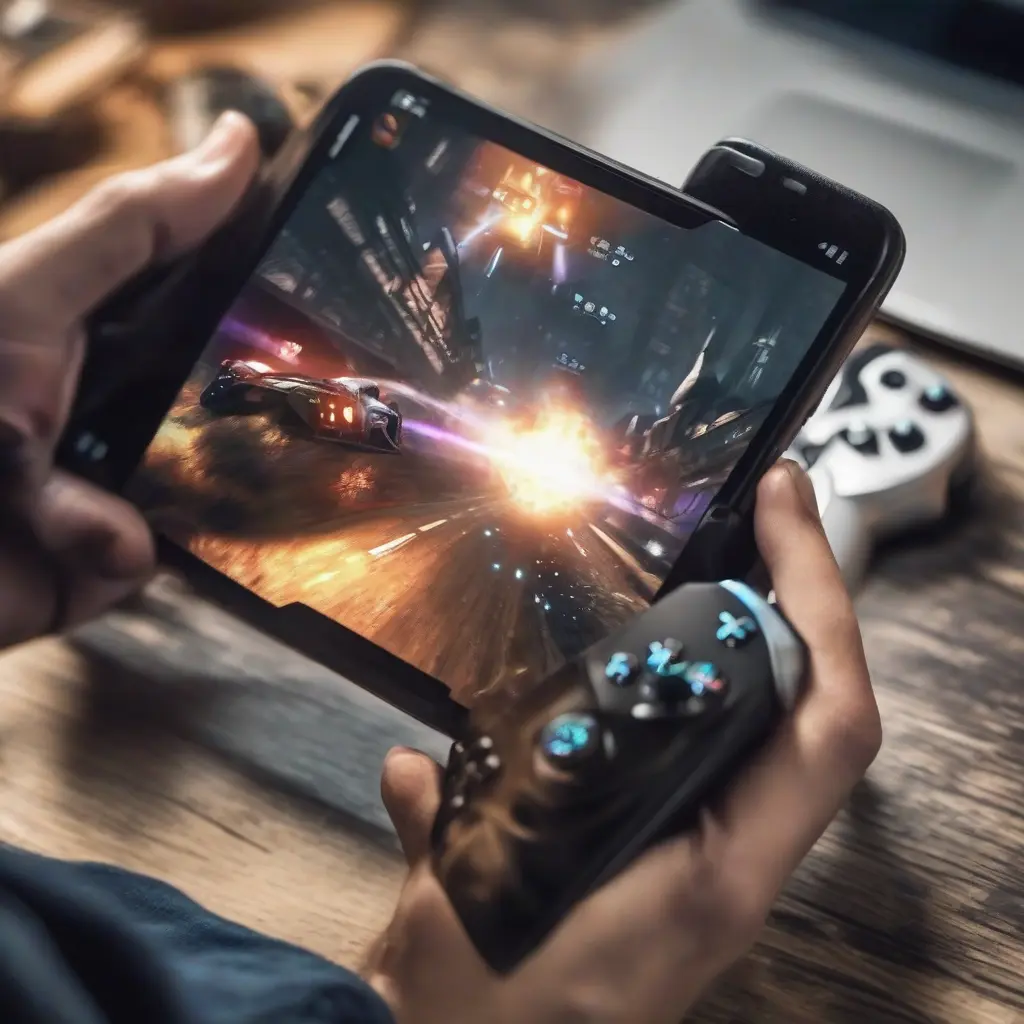
Optimizing your mobile device for gaming can significantly enhance your experience, allowing for smoother gameplay, improved graphics, and longer battery life. With the increasing demand for mobile gaming, it’s essential to adopt practical maintenance tips that maximize performance. This article explores various strategies such as software updates, app management, and hardware settings that can transform your device into a gaming powerhouse. Implementing these techniques will not only enhance your gaming experience but also prevent possible setbacks due to lag or crashes.
Keep Your Operating System Updated
One of the fundamental steps to optimize your mobile device for gaming is to keep your operating system updated. Manufacturers often release updates that improve performance, including enhancements specifically tailored for gaming. By regularly checking for system updates, you can benefit from the latest features, security patches, and bug fixes. An updated operating system can also provide better resource management, ensuring that your device performs efficiently during intense gaming sessions.
Manage Background Apps
Another effective way to enhance your gaming performance is to manage background apps efficiently. Many applications run in the background and consume valuable CPU and memory resources, leading to lag and reduced performance while gaming. To tackle this issue, regularly check which apps are running and close those that are unnecessary. You can also use your device’s built-in task manager to identify and terminate resource-hungry applications, allowing your gaming app to utilize more resources for a seamless experience.
Clear Cache Regularly
Clearing the cache on your mobile device can significantly improve gaming performance. Over time, cached data from games and applications can accumulate, causing your device to slow down. This clutter can lead to longer loading times and unexpected game crashes. By regularly clearing the cache, you free up storage space, improve app responsiveness, and enhance overall performance. Most mobile devices allow you to clear cache easily via the settings menu, making it a simple yet effective maintenance step.
Optimize Game Settings
Customizing the settings within your games can also lead to better performance on your mobile device. Many games offer various graphics options, including resolution and frame rate settings, that can be adjusted based on your hardware capabilities. Lowering these settings can help reduce lag and improve frame rates, especially on older devices. Experimenting with different configurations allows you to find a perfect balance between visual quality and performance that suits your gaming style.
Free Up Storage Space
Sufficient storage space is crucial for optimal gaming performance. When your mobile device is nearing its storage capacity, it can slow down app performance due to reduced room for temporary files and additional downloads. Deleting unnecessary files, such as unused apps, photos, and videos, can help free up storage space. Consider also utilizing cloud storage services for less frequently accessed files, thus maintaining your device’s speed and efficiency while gaming.
Improve Battery Health
Battery health can directly impact gaming performance, as many intense games require significant power. To enhance battery life during gaming, consider enabling battery saver modes on your device, which can optimize performance settings while gaming. Avoid exposing your device to extreme temperatures, as heat can deteriorate battery performance. Additionally, keeping the screen brightness at a reasonable level while gaming can help maintain battery life and improve your overall experience.
Use Game Mode Features
Many modern smartphones come equipped with built-in game mode features designed to enhance gaming performance. These modes typically optimize system resources, disable notifications, and even enhance graphics settings while gaming. By activating game mode, you create an environment that minimizes distractions and maximizes performance, ensuring a smoother and more immersive experience. Familiarize yourself with where to find this feature on your device to fully leverage its benefits.
Invest in Cooling Solutions
Heat management is essential for maintaining optimal performance during extended gaming sessions. Prolonged gameplay can cause your device to overheat, leading to throttled performance and potential hardware damage. Investing in external cooling solutions, such as portable fans or cooling pads, can help manage temperature effectively. By keeping your device cool, you not only prevent performance issues but also significantly extend its lifespan.
Upgrade Your Hardware
If your device struggles with performance after attempting the above measures, considering a hardware upgrade may be beneficial. Upgrading components like RAM or switching to devices with better processors can lead to substantial performance increases. Additionally, opting for a smartphone designed specifically for gaming can provide superior performance, enhanced graphics capabilities, and features optimized for gameplay. Research various models to find one that fits both your gaming needs and budget.
Connect to a Stable Wi-Fi Network
A stable internet connection is crucial for online gaming. Using Wi-Fi instead of mobile data can lead to lower latency, providing a more seamless gaming experience. Check your Wi-Fi signal strength and consider repositioning your router if necessary, or investing in a Wi-Fi extender to enhance coverage. By ensuring you have a reliable connection, you reduce the chances of lag and disconnections, allowing you to focus on gameplay without interruptions.
Secure Your Device
Keeping your mobile device secure from malware and viruses is essential for maintaining gaming performance. Malware can consume resources, leading to performance degradation. Regularly updating your security software and performing scans on your device helps protect your gaming experience. Furthermore, avoid downloading unknown applications and only use trusted app stores to maintain the integrity of your device, ensuring a smooth gaming environment.
Explore Game-Specific Optimization Tips
Each game may have its own specialization when it comes to performance optimization. Research specific tips and tricks related to the games you frequently play. Community forums and gaming blogs often provide insights on game optimization, such as recommended settings or tweaks that can enhance performance. Following these tailored recommendations can help you extract the most performance from your device for your favorite titles.
Conclusion
Optimizing your mobile device for enhanced gaming performance involves various strategies ranging from software updates to hardware enhancements. By following these tips, you can significantly improve your gaming experience, ensuring smoother gameplay and extended sessions without interruptions. Regular maintenance and adjustments will keep your device performing at its best, allowing you to fully enjoy the immersive world of mobile gaming.







