

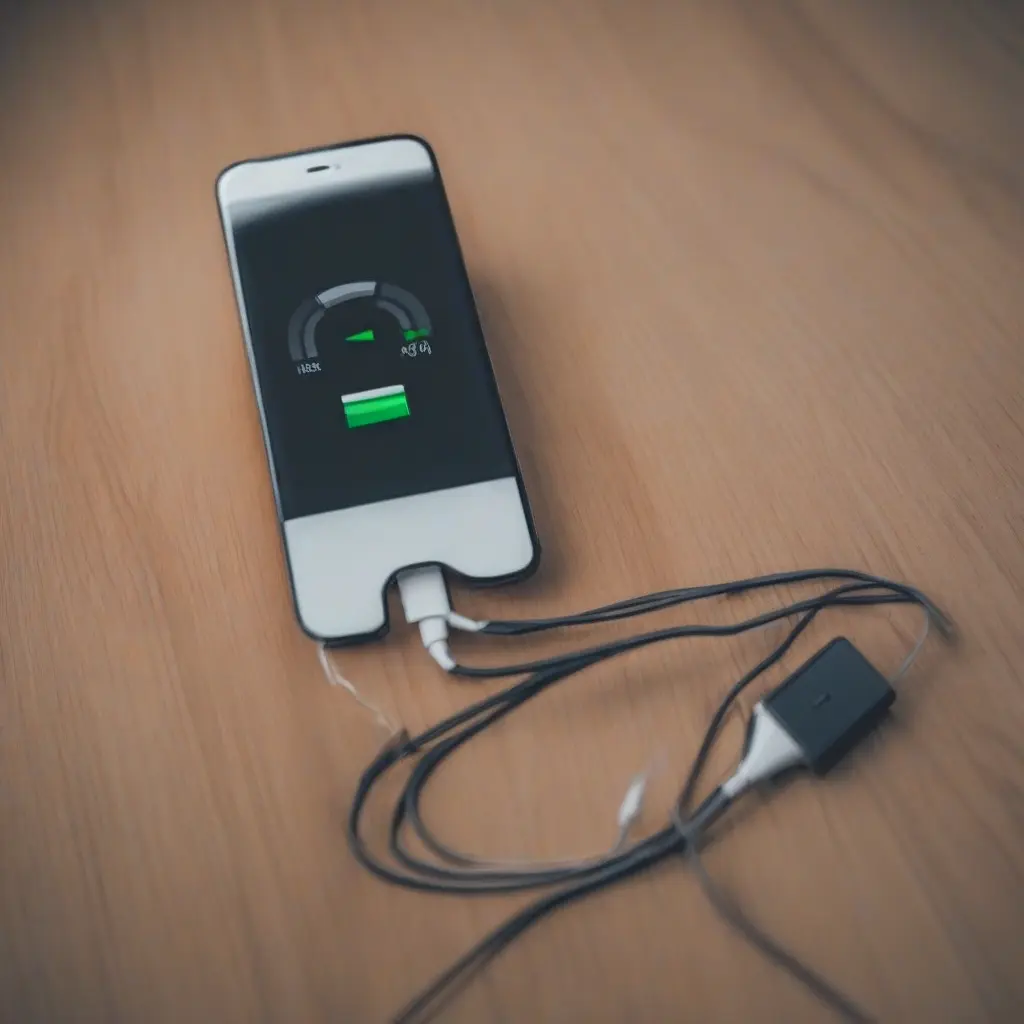
Mobile charging issues can be frustrating, impacting your ability to use your device when you need it most. From slow charging times to non-responsive charging ports, understanding how to troubleshoot these common problems can save you time and money. This comprehensive guide will explore various charging issues you might encounter and offer practical solutions so you can get back to using your mobile device efficiently.
Identifying Slow Charging Problems
Slow charging can often stem from a few common factors, including a damaged charging cable or an inefficient charger. First, examine your charging cable for frays or exposed wires, as these can significantly reduce charging speed. Additionally, using an original or high-quality charger is essential, as off-brand chargers may not supply adequate power. Identifying these issues early can help ensure that your device charges in a timely manner.
Troubleshooting a Non-Responsive Charger
A non-responsive charger can be particularly concerning, often indicating a more significant issue. Start by checking whether the charger is plugged in correctly, as a loose connection can prevent power transfer. Next, examine the charging port on your mobile device for dust or debris, which can hinder connectivity. Cleaning both the port and the cable can sometimes resolve this issue, restoring functionality and ensuring your device charges properly.
Examining Charging Ports for Damage
Charging ports can suffer wear and tear over time, leading to various problems, including loose connections or complete failure to charge. Inspect the charging port closely for signs of damage, such as bent pins or corrosion. If you notice any significant issues, it may be necessary to consult a professional technician for repairs or replacement. Regular maintenance, such as keeping the port clean, can help prolong its lifespan.
Using the Right Power Adapter
Using the appropriate power adapter for your mobile device is crucial for efficient charging. Many manufacturers provide specific voltage and amperage ratings that their chargers should conform to. Utilizing a charger that does not match these ratings can result in slow charging or overheating. Always refer to your device’s instructions to ensure you are using the correct charger, thus optimizing charging speed and preventing potential damage.
Dealing with Overheating Issues
Overheating during charging can cause damage to your device’s battery and other internal components. If your mobile device feels excessively warm while charging, consider removing it from its case to allow better heat dissipation. Moreover, avoid charging your device in direct sunlight or hot environments, as this can exacerbate the issue. Keeping your device at a manageable temperature is essential for maintaining battery health.
Investigating Battery Health
Battery health plays a significant role in how effectively your device can hold a charge. As batteries age, their ability to retain power diminishes. This decrease can lead to unpredictable charging behavior, including rapidly draining batteries or slow charging. Most smartphones provide built-in tools to assess battery health, allowing users to monitor performance and understand when it may be time for a replacement.
Resetting Software Issues Affecting Charging
Sometimes, software glitches can inhibit your device’s ability to charge effectively. Restarting your device can resolve many temporary issues, clearing cached data that may be causing problems. If restarting does not work, consider checking for software updates, as manufacturers often release patches to fix bugs. Keeping your operating system up to date can help improve charging performance and overall device functionality.
Understanding Power-Saving Modes
Power-saving modes can influence how your device charges and manages power usage. While these modes are designed to extend battery life, they may limit functionality during charging. Understanding how power-saving settings impact charging can enable users to optimize their experience. Turning off power-saving features while charging can allow your device to receive energy more efficiently, enhancing the overall charging process.
Considering Environmental Factors
Environmental factors can greatly affect charging efficiency and smartphone performance. For example, extremely low or high temperatures can impact battery functionality, resulting in slower charging or even temporary malfunctions. It’s advisable to charge your device in moderate temperatures, as this can help preserve battery life and improve charging speed. Additionally, avoid using your device while charging in challenging environments to mitigate overheating risks.
When to Seek Professional Assistance
If you’ve tried various troubleshooting methods without success, it may be time to seek professional help. Persistent charging issues can indicate deeper problems, such as motherboard damage or severe battery degradation. Consulting with a qualified technician can provide insights into possible repairs or replacements needed to restore your device’s functionality effectively. Regular servicing can also prolong the lifespan of your device.
Conclusion
Addressing common mobile charging issues requires a blend of troubleshooting and proactive maintenance. By understanding how to identify problems like slow charging, non-responsive chargers, and overheating, you can take the necessary steps to resolve them effectively. Staying informed about your device’s health and using the correct accessories will ensure optimal performance and may prevent future charging problems.







