

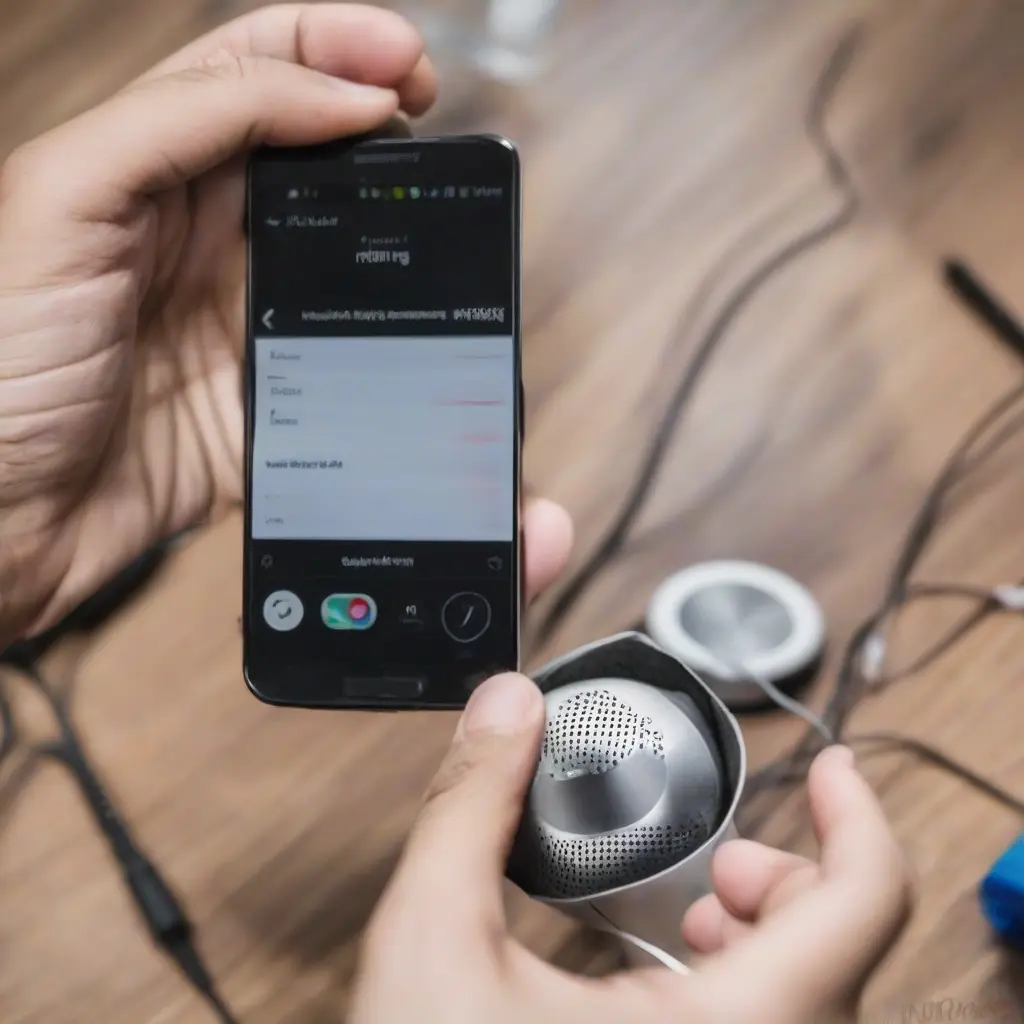
Mobile device speakers often accumulate dust and debris, affecting audio quality and performance. Regular cleaning not only enhances sound clarity but also prolongs the lifespan of your device. In India, where dust and humidity levels can vary dramatically, it’s essential to adopt effective cleaning methods customized for local conditions. This article provides a comprehensive step-by-step guide to safely clean your mobile device speakers, ensuring optimal sound experience and maintaining the overall health of your gadget.
Understanding Your Mobile Device Speakers
Before diving into cleaning methods, it’s important to understand how mobile device speakers work and their vulnerabilities. Speakers convert electrical energy into sound waves, and they are usually located at the bottom or back of devices. These areas are prone to dust, lint, and moisture accumulation. Understanding this functionality can help you appreciate the need for regular cleaning and handle your device carefully during the cleaning process to avoid damage.
Gather Necessary Cleaning Supplies
To clean your mobile device speakers effectively, gather essential supplies. You will need a soft microfiber cloth, a can of compressed air, isopropyl alcohol, and cotton swabs. These items are readily available at local stores or online. Ensure that the compressed air canister does not contain any harmful chemicals, as this can harm your device. Having the right tools will make the cleaning process more effective and safe.
Power Off Your Device
Before starting the cleaning process, it’s crucial to power off your mobile device. This step prevents any accidental damage or software glitches while you’re cleaning. Shutting down the device also allows you to work more safely around the speaker openings. Remember to remove any case or cover, allowing complete access to the speakers and ensuring that dust or debris does not get trapped in any hidden corners during cleaning.
Remove Dust with Compressed Air
Using a can of compressed air is an effective method to blow away dust and debris from mobile device speakers. Hold the canister upright and aim it at the speaker openings from a reasonable distance—typically around 6 inches away. A short burst of air is usually sufficient to dislodge any particles without causing damage. Be cautious not to use excessive pressure, as this might push dirt further into the device.
Wipe Down Surrounding Areas
Once the dust has been blown out of the speakers, take a soft microfiber cloth to wipe down the surrounding areas. This step ensures that any particles dislodged during the air cleaning process do not get re-entered into the speakers. Gently rub the surface around the speaker grilles to remove any fingerprints, oils, or grime. This not only improves the appearance of your device but also contributes to optimal sound quality.
Use Isopropyl Alcohol for Stubborn Grime
If you notice stubborn grime around the speaker grilles, a little isopropyl alcohol on a cotton swab can help. Dampen the cotton swab lightly—avoid soaking it, as excess liquid can damage your device. Carefully clean around the speaker areas, focusing on any visible grime without applying too much pressure. This method is effective for removing sticky residue or other contaminants that air and cloth may not clear.
Check for Water Damage
While cleaning, it’s important to check for any signs of moisture or water damage around the speakers. If your device has been exposed to water, the speaker performance may deteriorate. Look for signs such as distorted sound or speaker malfunction. If you suspect water damage, avoid cleaning with liquids altogether and let the device dry completely before further use or seek professional assistance if needed.
Regular Cleaning Schedule
To maintain optimal sound quality, establishing a regular cleaning schedule for your mobile device speakers is vital. Depending on usage and environmental conditions, aim to clean your speakers at least once every few weeks. For individuals in dusty areas or those who frequently use their devices outdoors, more frequent cleaning may be necessary. Incorporating speaker maintenance into your routine will ensure long-lasting audio performance.
Signs Your Speakers Need Attention
Be aware of signs indicating that your mobile device speakers might need cleaning. Common indicators include muffled sound, distorted audio, or any crackling noises during playback. If you notice a decline in sound quality, it may be time to revisit your cleaning routine. Addressing these issues early prevents further damage and preserves the longevity of your device.
Professional Cleaning Solutions
If you’re uncomfortable cleaning your device speakers on your own, consider seeking professional cleaning services. Many mobile repair shops offer cleaning as part of their maintenance packages. These specialists utilize advanced techniques and tools to clean your device without risking damage. Research local options and reviews to find a reliable service provider, especially in urban areas where technology services are prevalent.
Conclusion
Cleaning your mobile device speakers is essential for maintaining sound quality and prolonging device lifespan. By following the steps outlined in this guide, Indian users can ensure their mobile devices remain in top-notch condition. Regular maintenance not only enhances audio performance but also contributes to a more enjoyable user experience overall.







